Search
Find saved text directly without requiring embeddings or an external provider.
Read what you saved. Ask about chosen passages. Test your recall, then keep the useful answer as a note.
New in Arivu 1.7.0. See what changed.
Each view answers a different question. Capture and Search / Ask remain global, so collecting or finding knowledge never depends on where you are.
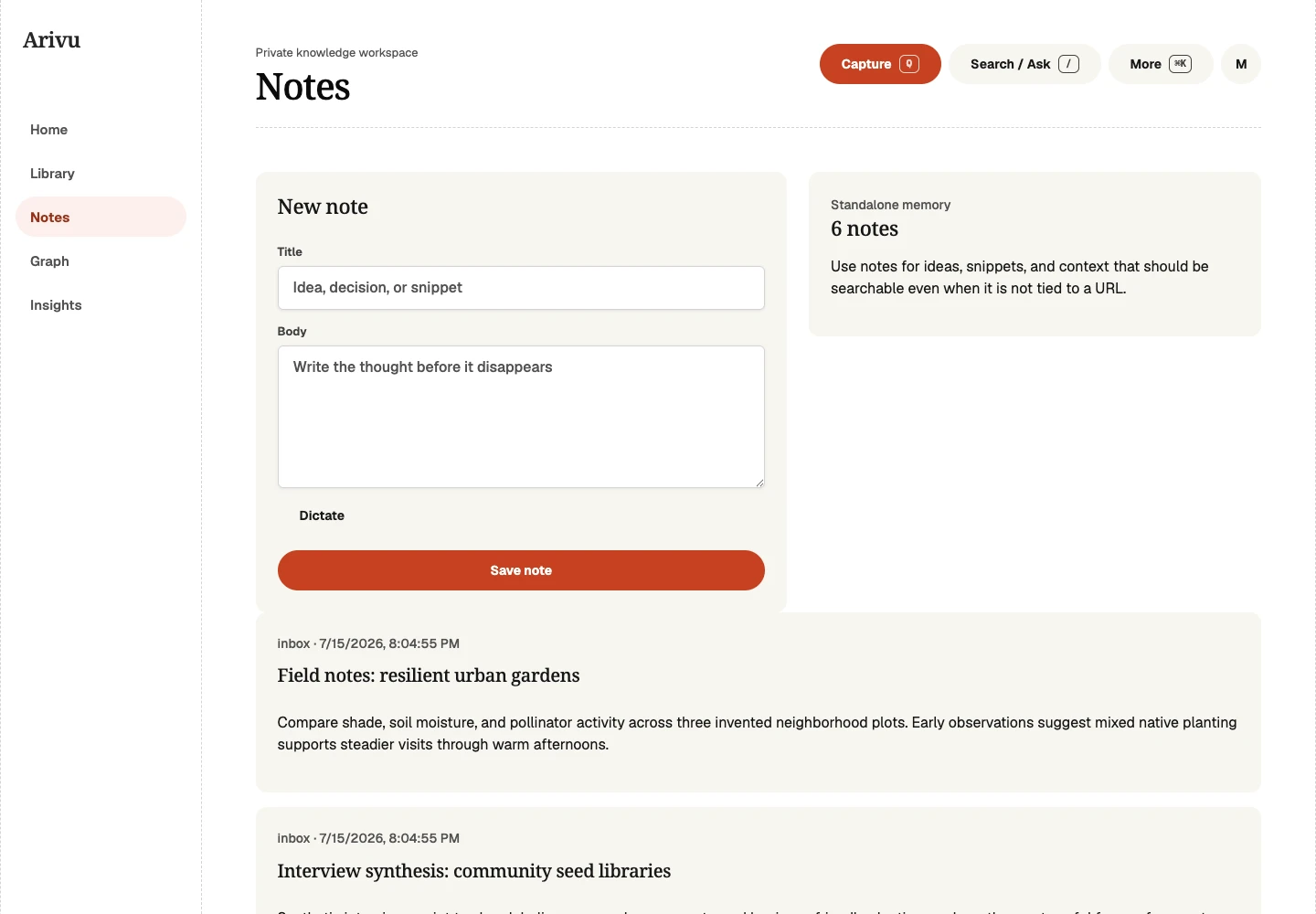
Write a quick thought, keep a daily record, or develop an idea over time. Backlinks and explicit connections keep the source material within reach.
Learn about NotesFull-text search works locally. Source chat uses your configured AI provider after consent. Exact quoted citations let you inspect the evidence; they do not prove every AI claim.
Find saved text directly without requiring embeddings or an external provider.
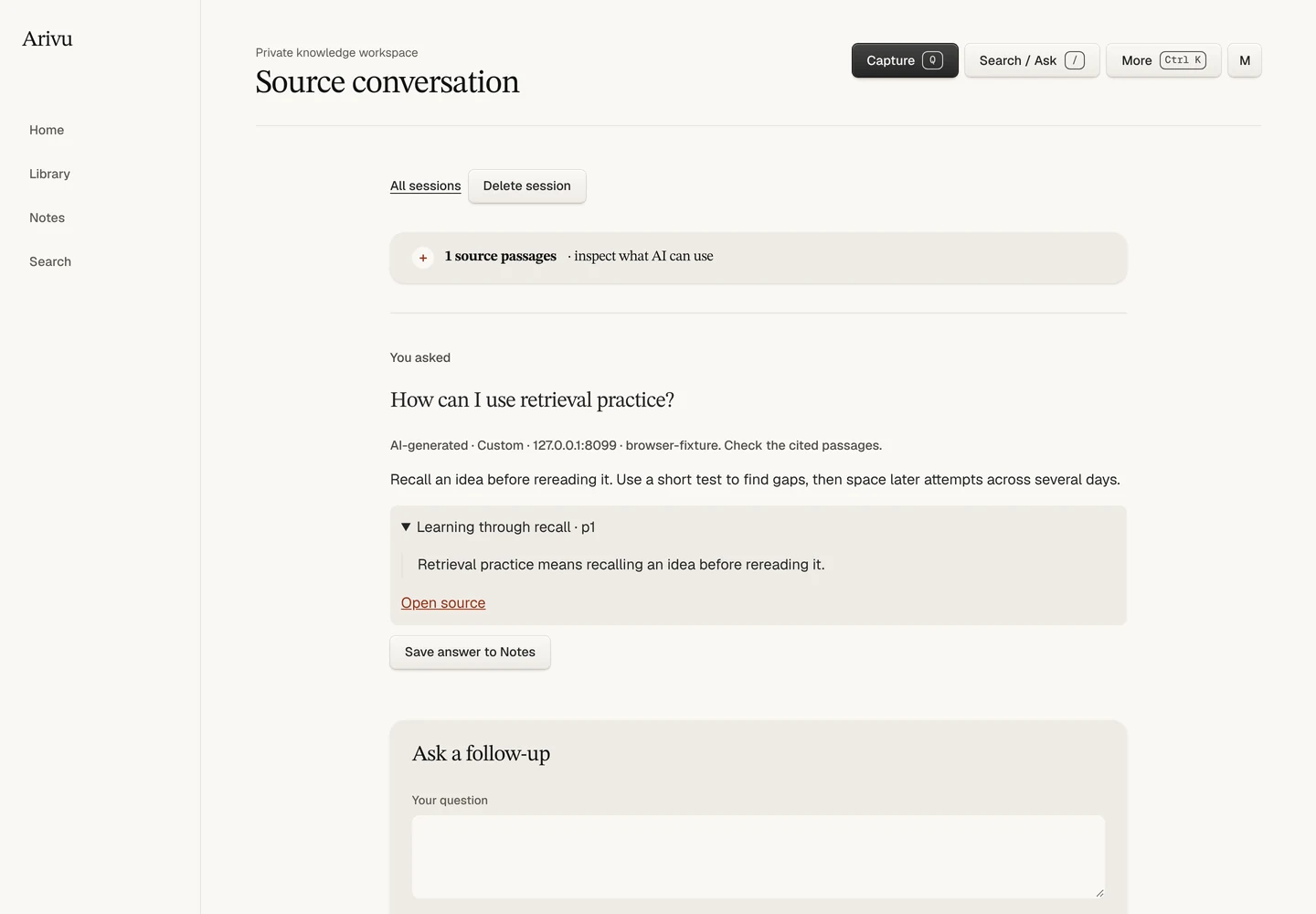
Use one source, up to eight selected sources, or passages found by topic. Follow-ups stay within those passages.
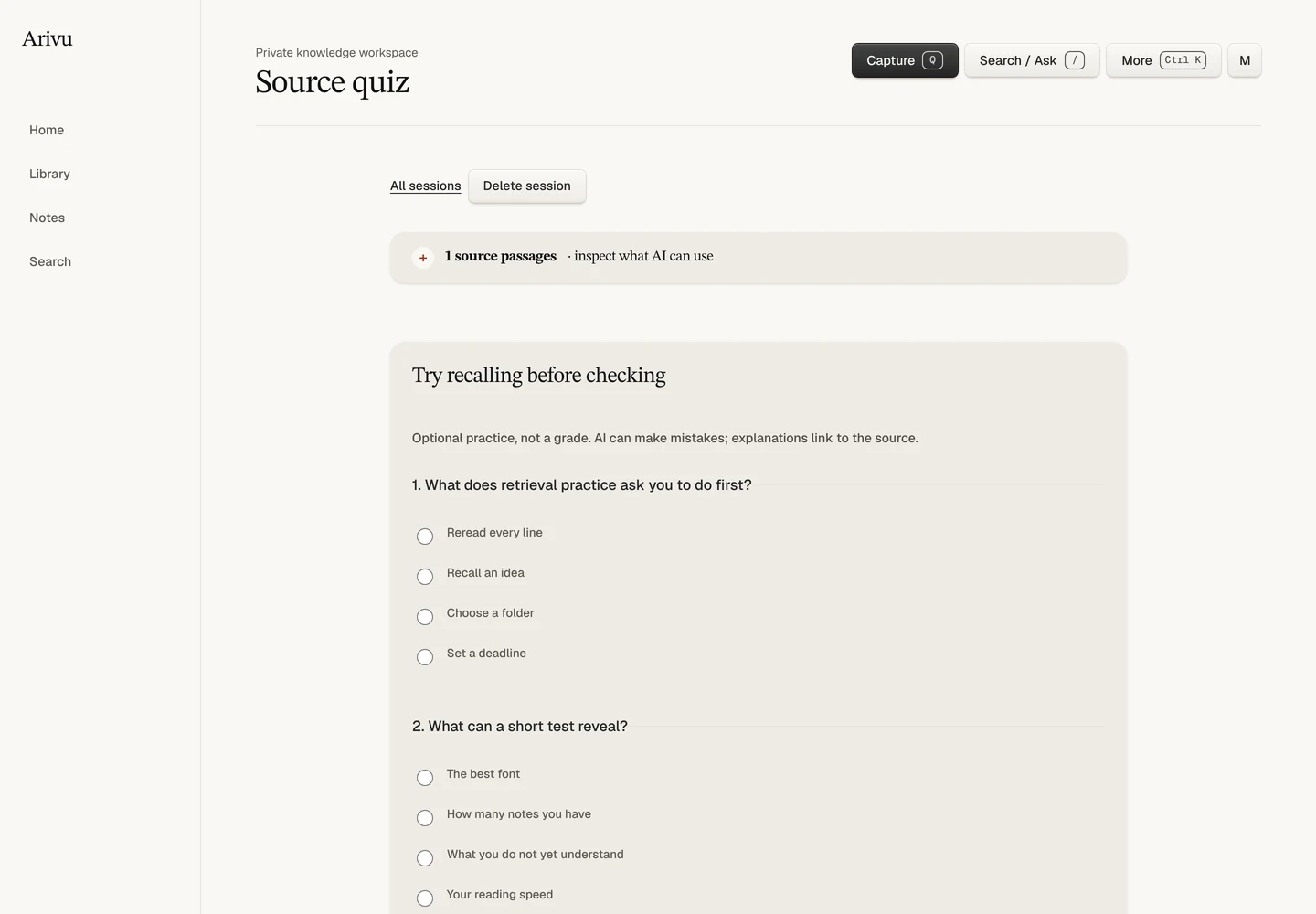
Answer three questions before revealing the explanations and quotes. No schedule, streak, or automatic action.
Direct capture records attempts, source evidence, and a bounded source response. Complete background capture can add rendered reader content, local images, screenshots, PDFs, and offline HTML without exposing a browser profile.
Direct evidence stays useful immediately, while rendered evidence can improve weak extraction without letting a failed or challenged page replace the last good copy.
Publish a point-in-time secret-link copy without private notes, tags, annotations, or graph connections. Authenticated APIs can include selected screenshot or PDF evidence.
Installer backups pair the SQLite snapshot with the adjacent asset store and a manifest that restore verifies.
The core app is a single Go binary with SQLite. Use the guided Linux VPS installer to manage it and, on supported hosts, the isolated native capture runtime. Back up the database and adjacent assets together, and add a model provider only if its enrichment is useful to you.